About Bright Spark
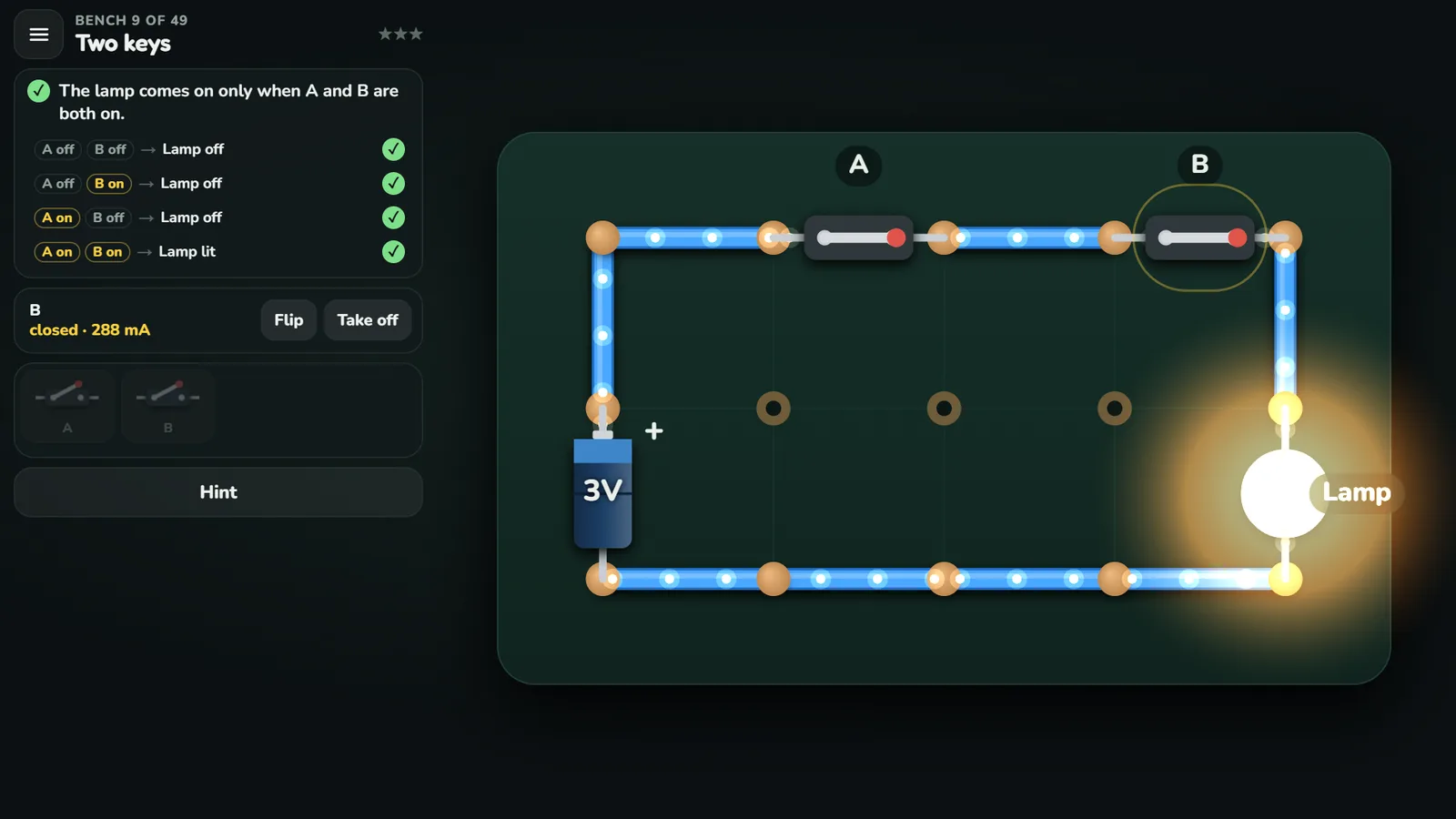
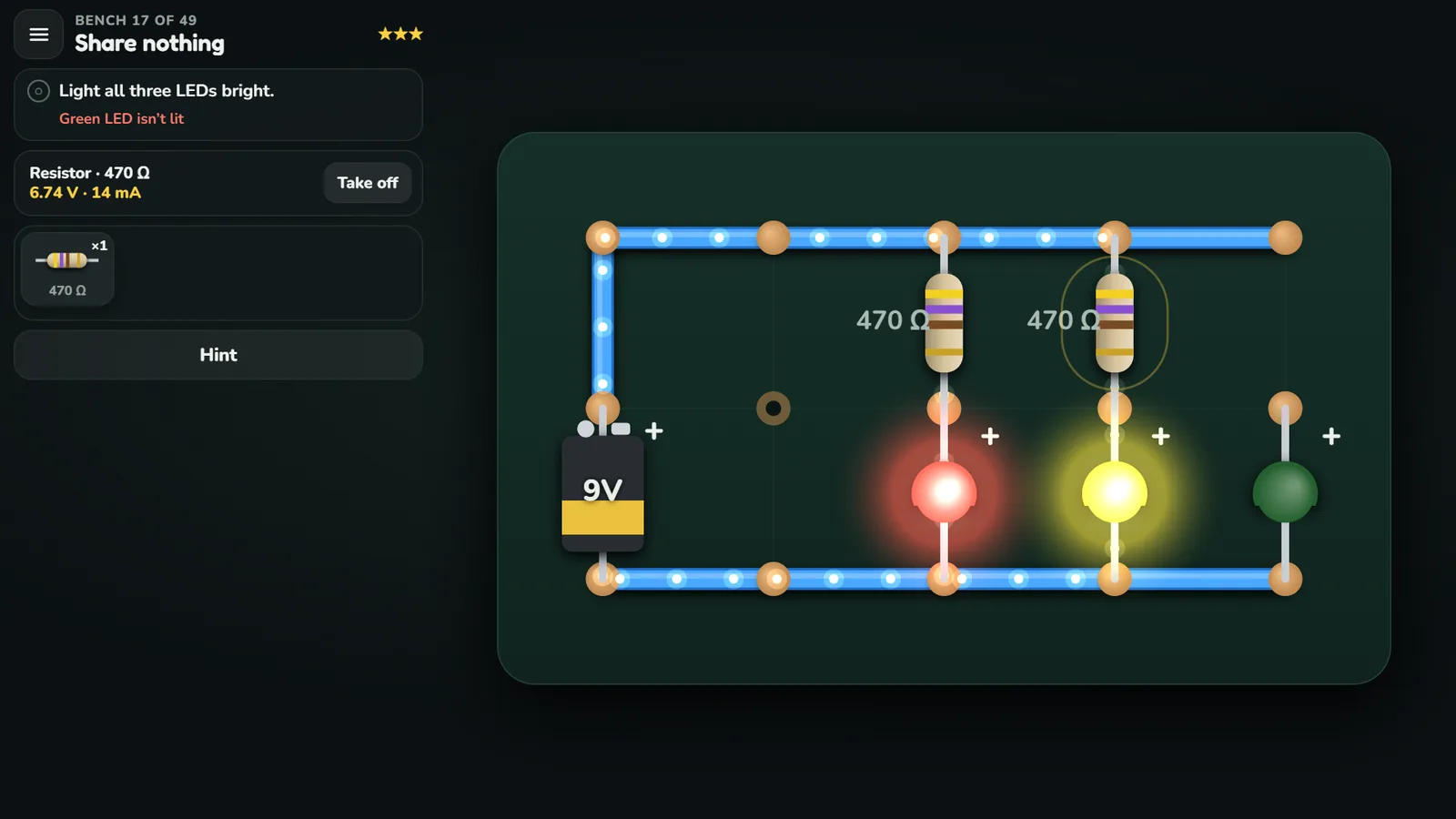
Bright Spark is a free game that teaches electronics: you build working circuits on a bench of copper dots, from a first bulb to switches, LEDs, transistors and a burglar alarm. You draw wires from dot to dot, drag parts out of the tray and flip switches, and the circuit runs all the while: a bulb lights the moment its loop closes, and dots show the current moving.
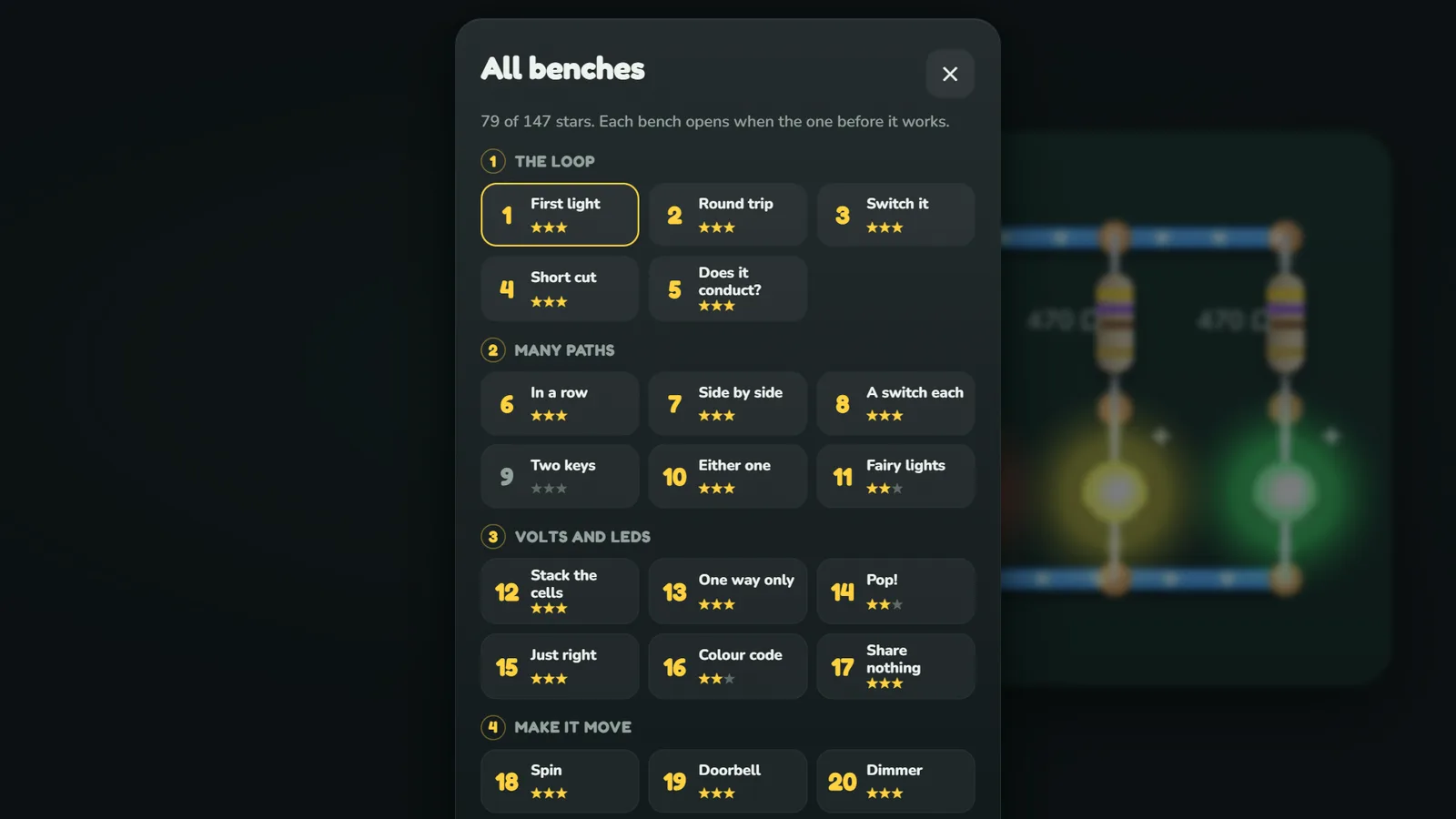
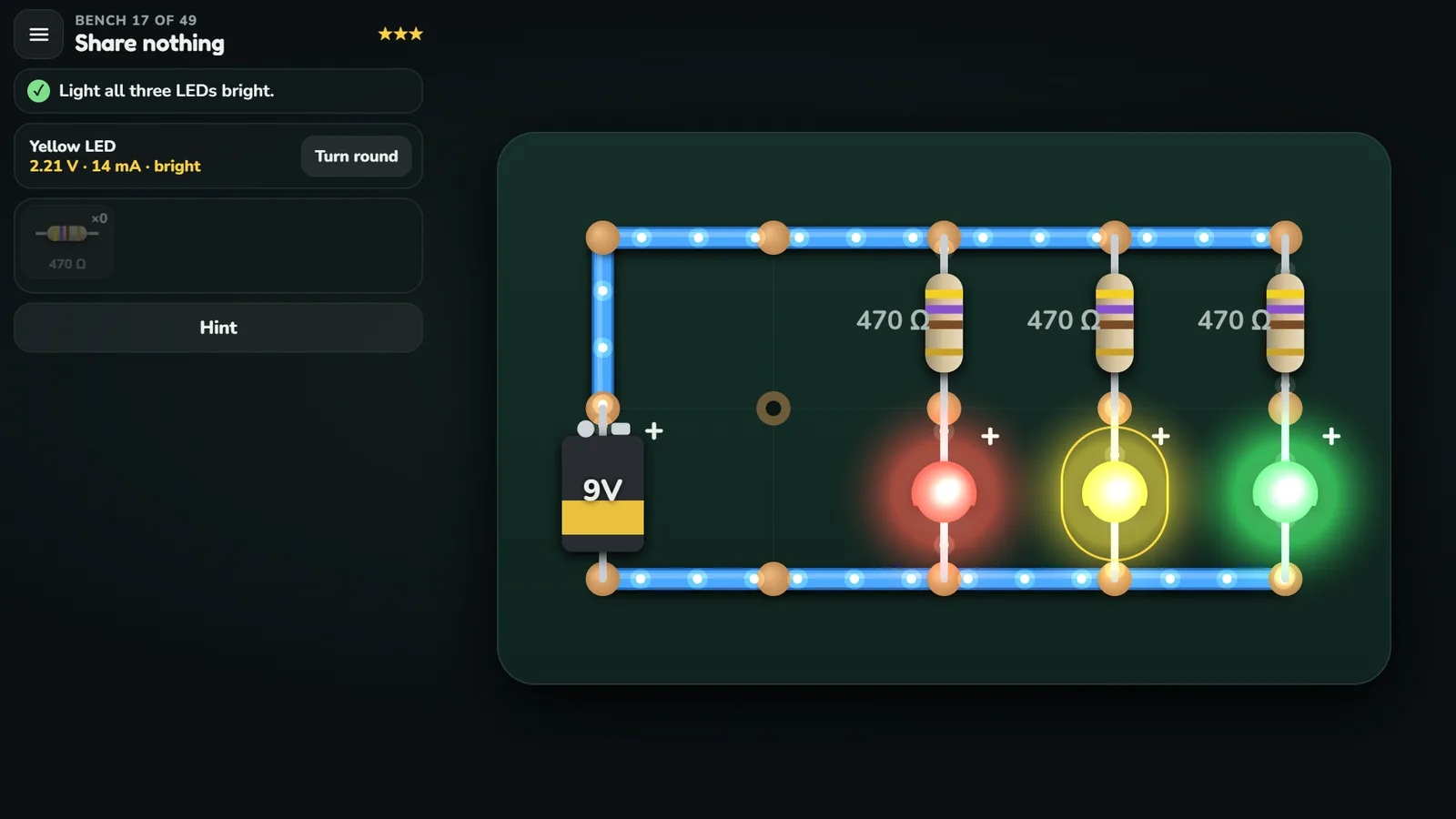
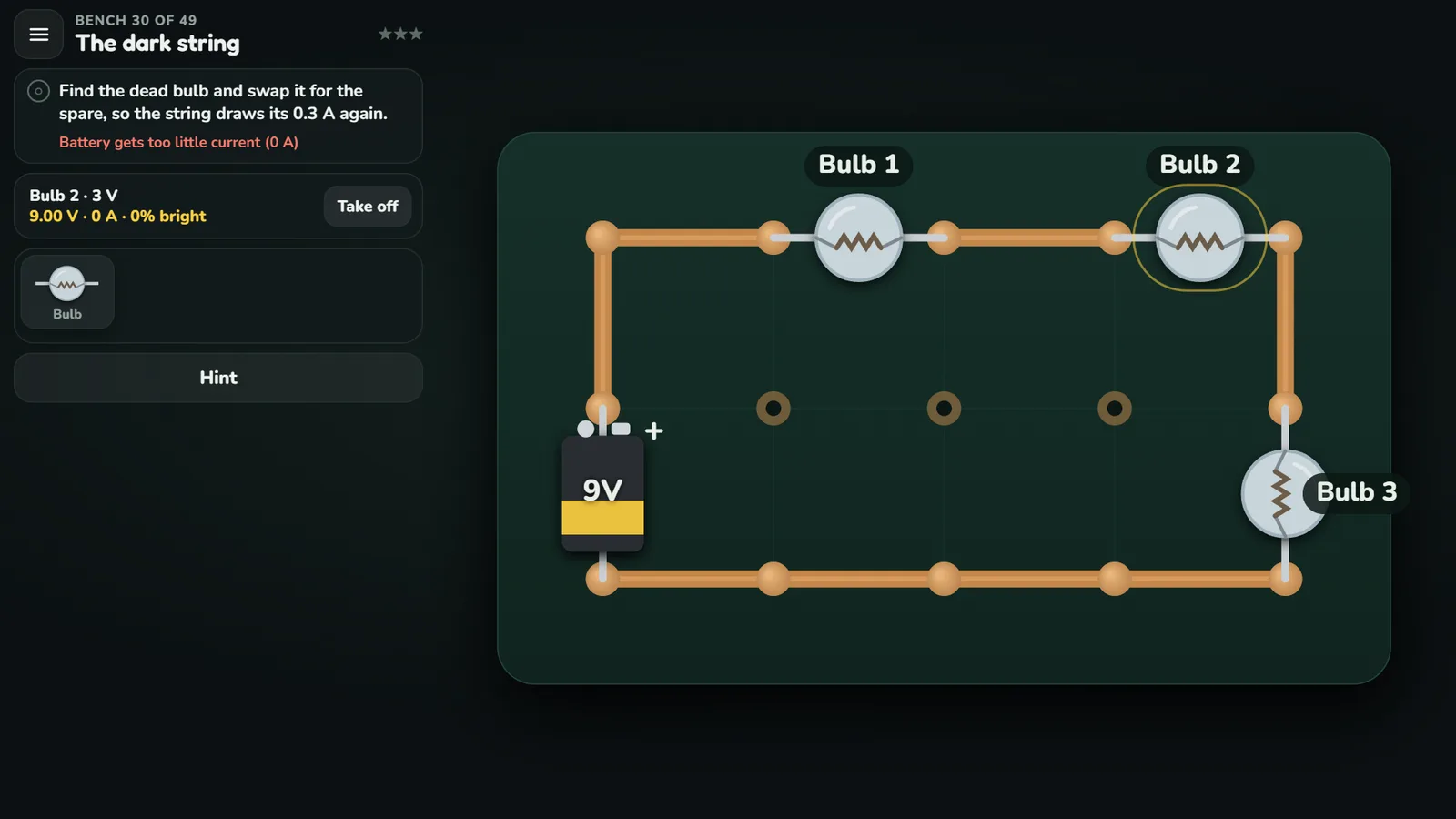
It is physics, not a script. After every change the game solves the circuit again with real part values, such as a 3 V bulb drawing 0.3 A or a red LED dropping 1.8 V, so a wrong circuit misbehaves as it would on a real bench and an LED with no resistor burns out with a pop. The 49 benches come in 11 chapters: six that teach one idea each, from closed loops to Ohm’s law and the transistor, then five of faults to find with the multimeter and jobs to wire. Each bench earns up to three stars.
It suits learners starting from nothing, parents and teachers who want circuits a child can try without a soldering iron, and curious adults who never quite knew what a transistor does. A group started on the home page keeps one table of everyone’s stars, no account needed. Stars and half-built benches are saved in your browser, and signing in with your email carries them to other devices. It plays on phones, tablets and computers.
- 49 benches in 11 chapters, from a first bulb to transistors
- Circuits solved live with real part values, mistakes included
- Tap any part for its volts and amps on the meter
- Call-outs: find a dead bulb, a flat cell, a loose terminal
- Three stars: it works, nothing burnt, no wires to spare
- Every part can also be drawn as its circuit symbol
How to play Bright Spark
- Each level is a bench: a board of copper dots with a few parts on it and a goal. Read the two or three sentences on its card, then build.
- Drag from dot to dot to lay a wire. Drag back over a wire to take it up, or tap it to remove it.
- Drag parts out of the tray onto the bench, and drag one off the bench to give it back. Tap a switch to flip it, hold a button down, and tap any part to read its volts and amps on the multimeter.
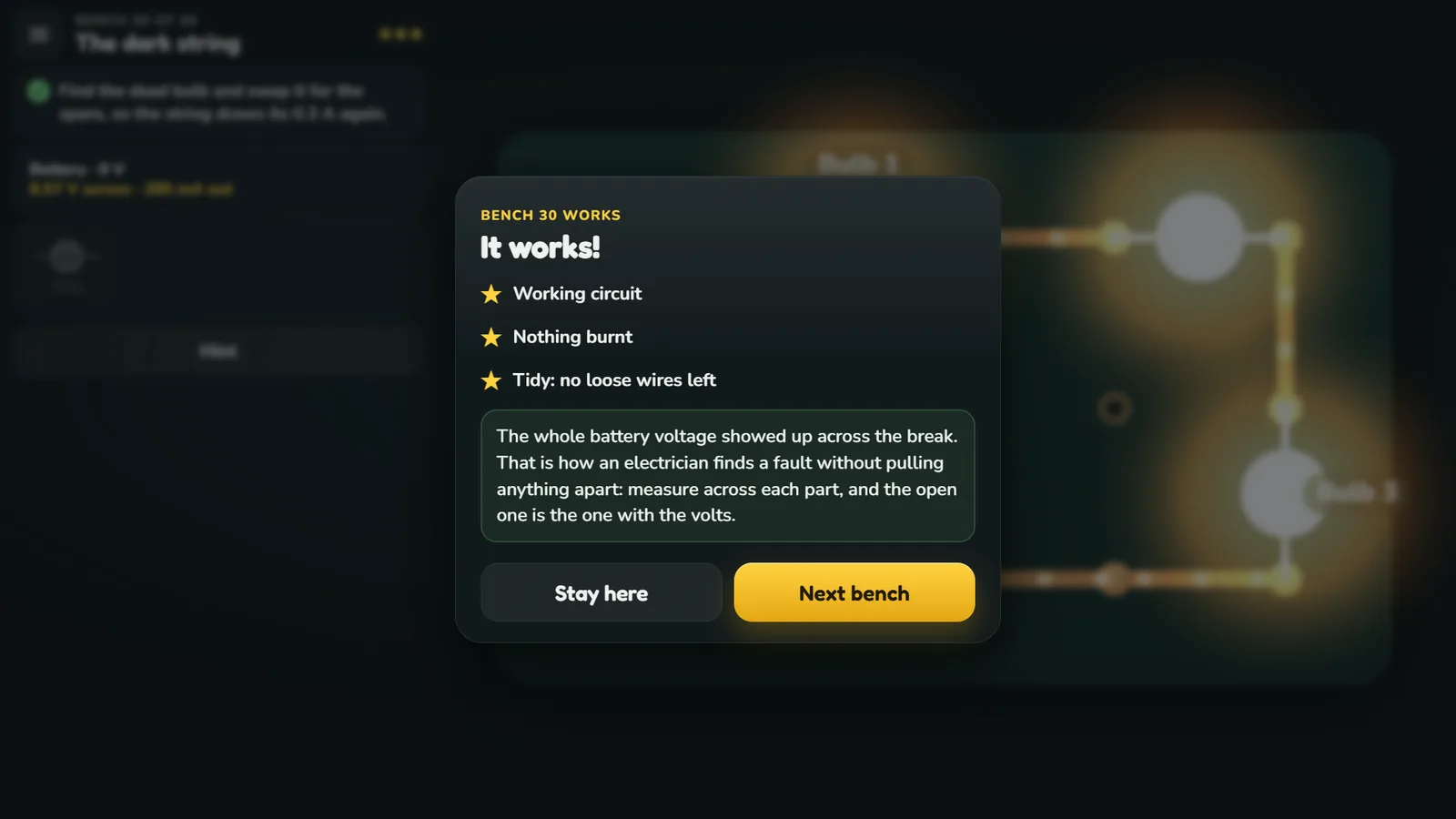
- The circuit runs live the whole time: a bulb lights the moment its loop closes, and every line of the goal ticks itself as you build. When they all pass, the bench is put through its checks before the stars.
- Three stars: it works, nothing burnt on the way, and no more wires than the bench needs. Push an LED too hard and it burns out with a pop, which costs the middle star until you clear the bench and start again.
- 49 benches in 11 chapters: The loop, Many paths, Volts and LEDs, Make it move, Transistors, Smart circuits, Call-outs, Around the house, On the road, The workshop and Odd jobs. The first six teach one idea each; the rest put them to work on faults to find and jobs around the house and the car.
Controls
- Touch and mouse
- Drag from dot to dot for a wire, drag a part from the tray, tap a switch or a part, hold a button.
- Keyboard
- Esc for the menu.
Questions about Bright Spark
What is Bright Spark?
Bright Spark is a free game that teaches electronics: you build working circuits on a bench of copper dots, from a first bulb to switches, LEDs, transistors and a burglar alarm. You draw wires from dot to dot, drag parts out of the tray and flip switches, and the circuit runs all the while: a bulb lights the moment its loop closes, and dots show the current moving.
How long does Bright Spark take to play?
A few minutes a bench.
Is the Bright Spark video real gameplay?
Yes. The video on this page is 0:40 of Bright Spark really being played, recorded from the game itself, played in a web browser with the same mouse and keys a player uses, and cut only to skip loading and waiting.
Is Bright Spark real electronics?
Yes. Nothing is scripted: the circuit is solved again every time it changes, with real part values, so whatever you build behaves the way it would on a real bench, including the wrong things.
Do I need to know anything about electronics first?
No. The first bench is lighting one bulb with one battery, and each bench teaches one idea and leans on the ones before. A new part is shown next to its circuit symbol when you first meet it.
Can I see the circuit as a schematic?
Yes. “Draw parts as symbols” in the menu switches every part to its circuit symbol, so the same bench is also a circuit diagram.
Is my progress saved?
Yes, in your browser on the device you play on: your stars, the bench you are building on each level, and your settings. In a group from the home page, every star you win goes on the group’s table.